
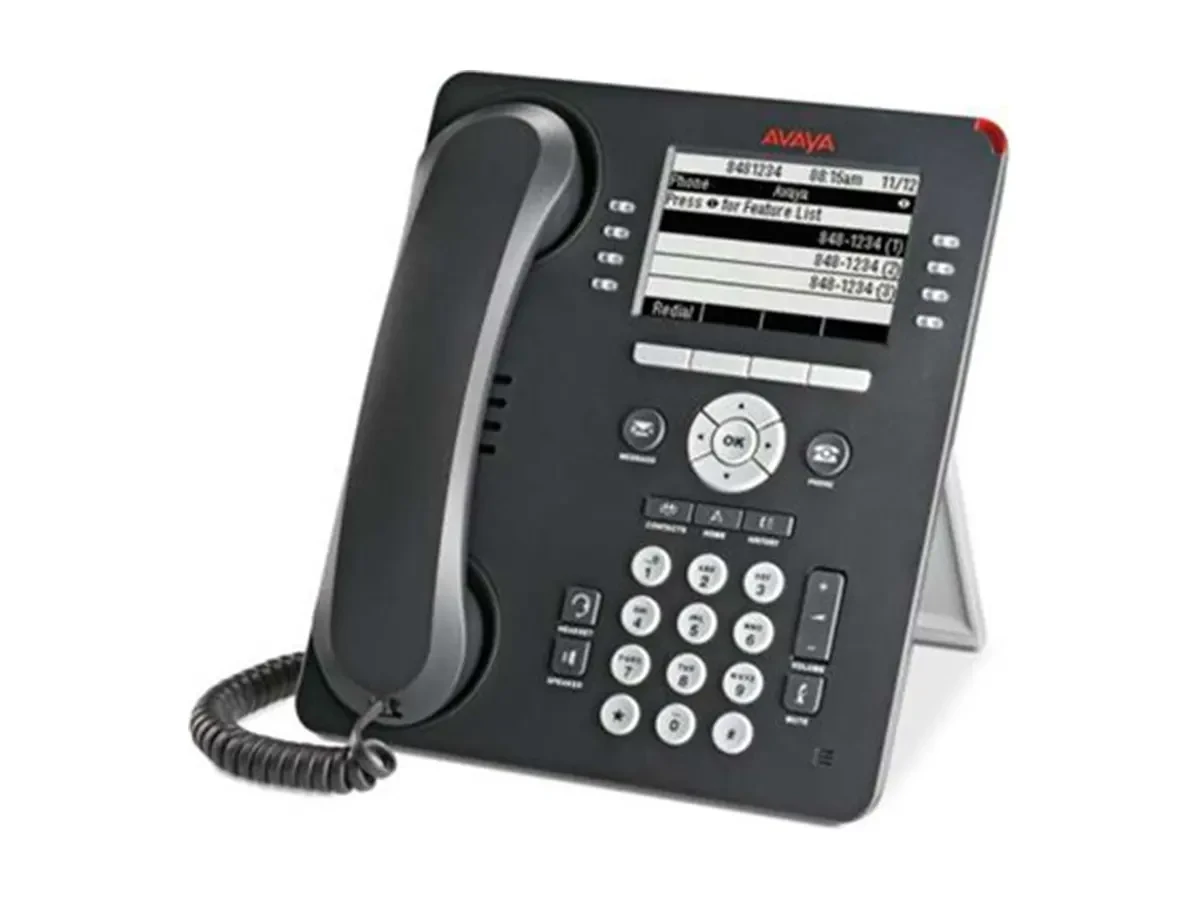
Digital Phone
Avaya 9408 Digital Phone
24 Function Key Status · 8 Line Backlit Display
- Product PositioningDigital Phone (Non-SIP), Designed for High-Volume Call Centers
- Connection MethodsDigital Port Access to Avaya Aura® Communication Manager
Four terminal types configured for workstations, meeting rooms, and mobile scenarios. AURA app, IP Office app, and two hardware types handle call control, trunk termination, and endpoint ports—all under a single number plan and dialing rules across the entire site.
Avaya Platform Architecture
Call Control · SIP Routing · Media Gateway
The 9400 and 1400 series digital phones connect via the digital extension port. 9408 is the current model; other models are discontinued. Review specifications on this site to select a replacement.
The 9400 and 1400 series digital phones connect via the digital extension port. 9408 is the current model; other models are discontinued. Review specifications on this site to select a replacement.
6This product
Series BrochureDigital Phone
24 Function Key Status · 8 Line Backlit Display
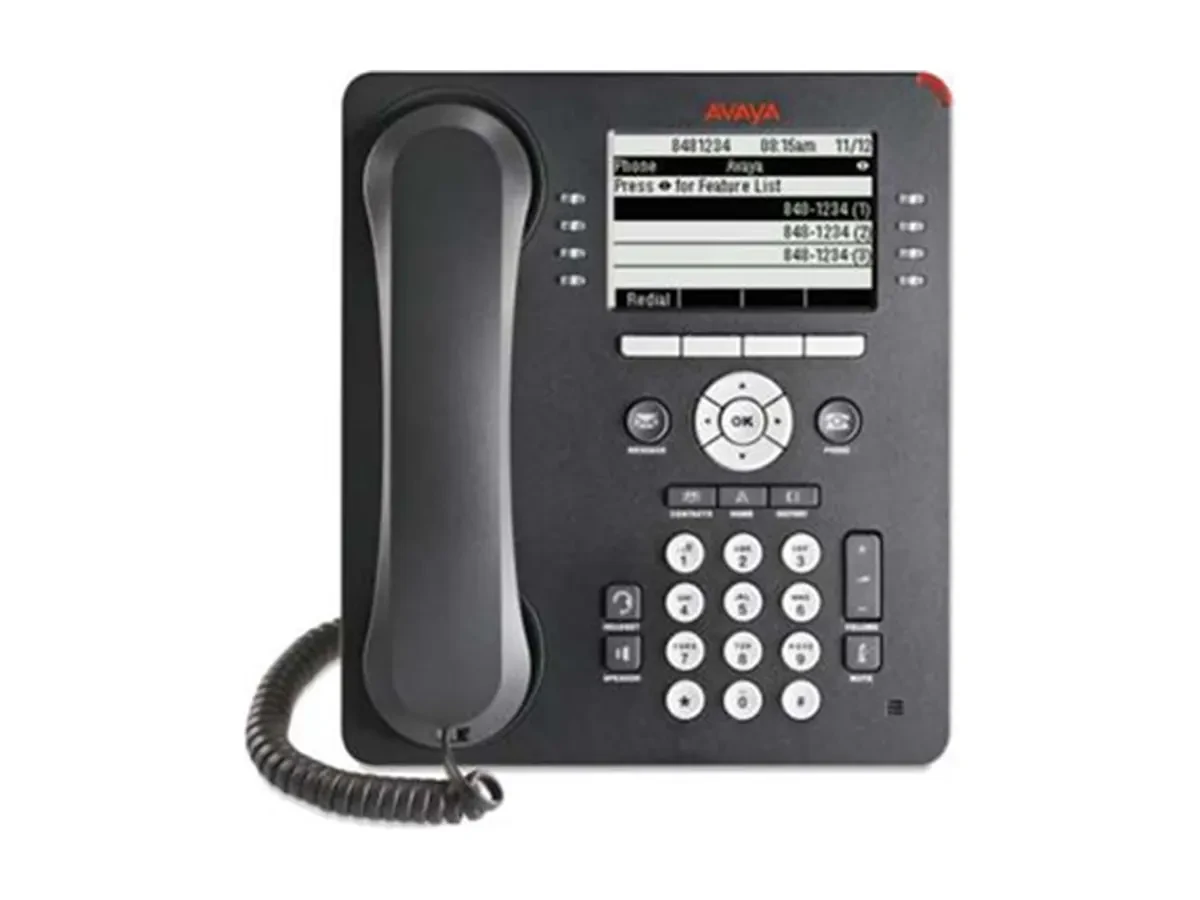 Discontinued · Replaceable
Digital Phone
8 Function Key × 3 Level · 8 Lines × 32 Characters Backlight
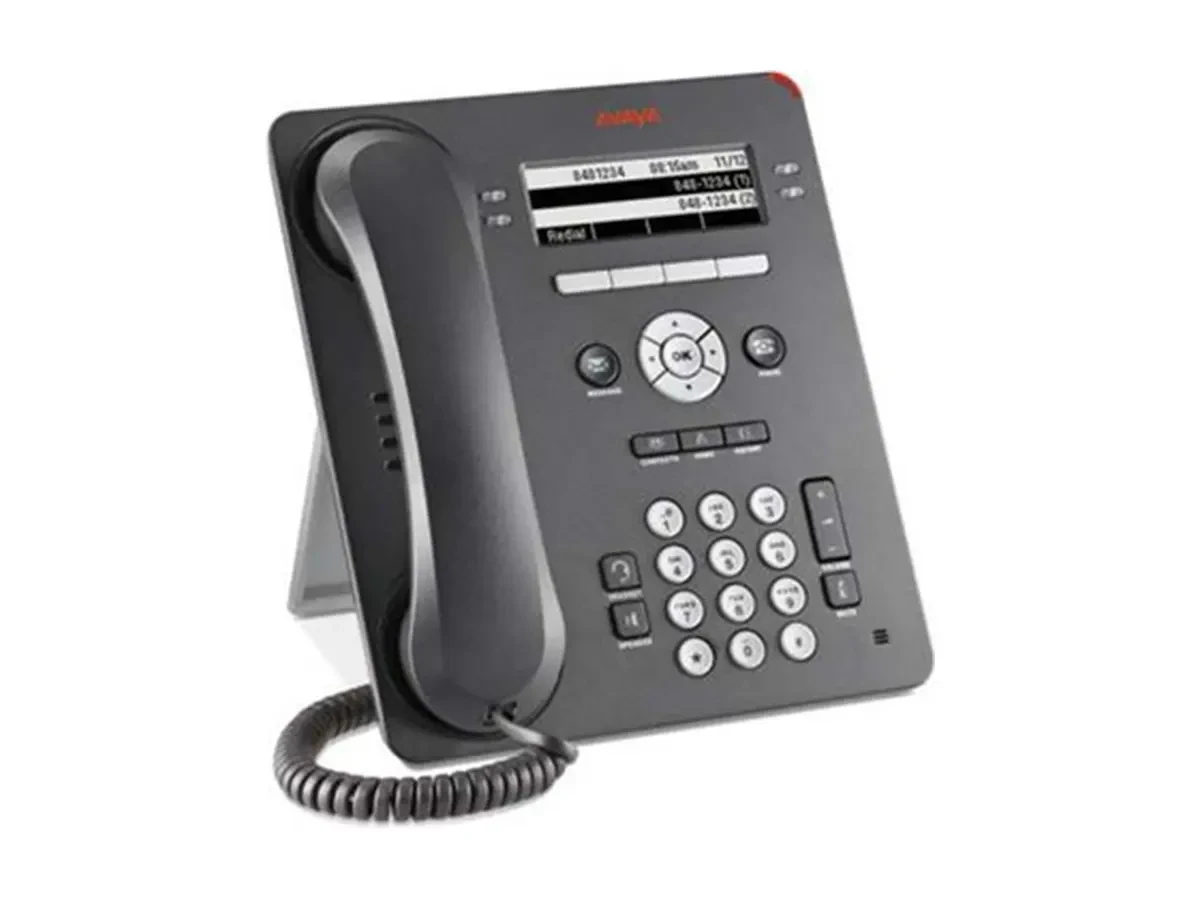 Discontinued · Replaceable
Digital Phone
4 Function Key × 3 Level · 4 Lines × 32 Characters Backlight
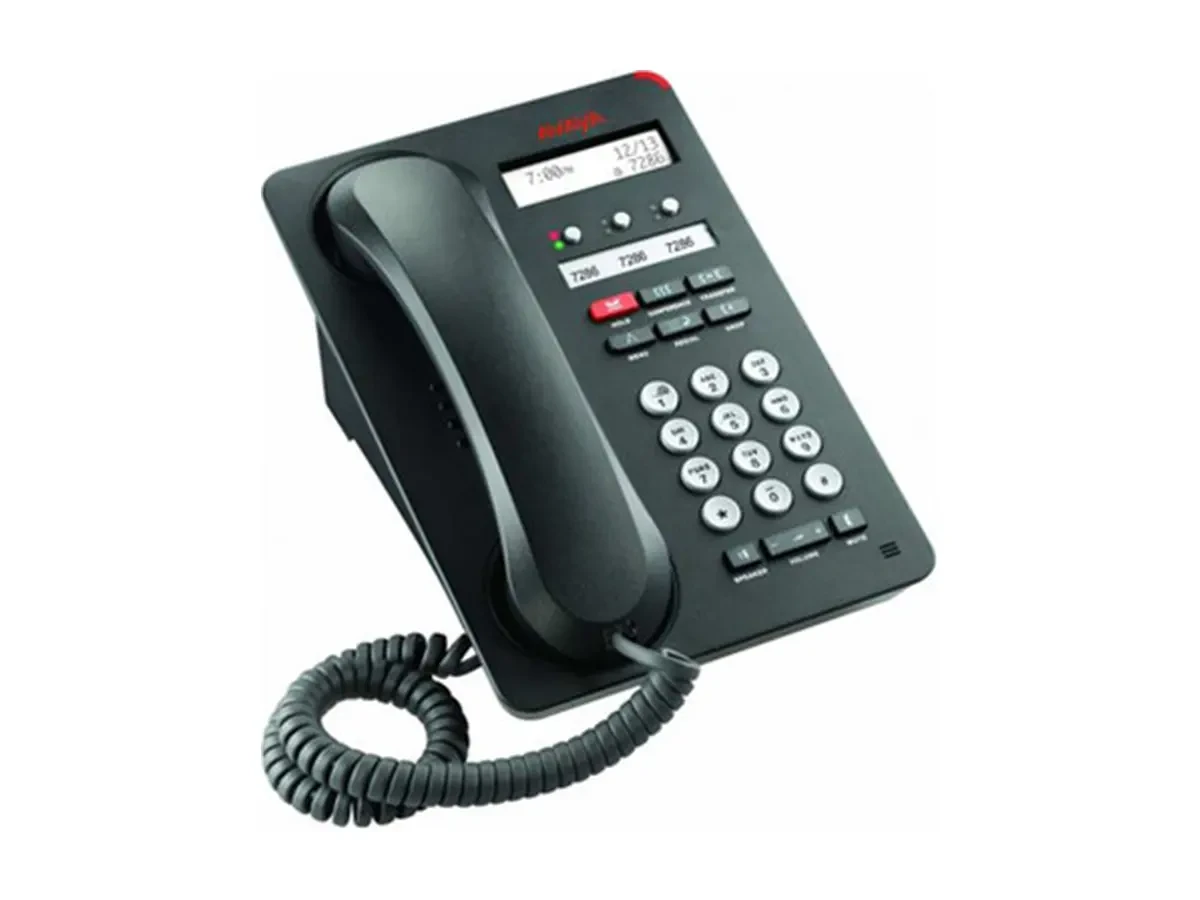 Discontinued · Replaceable
Digital Phone
3 Feature Key · Hands-Free · Compatible with IP Office
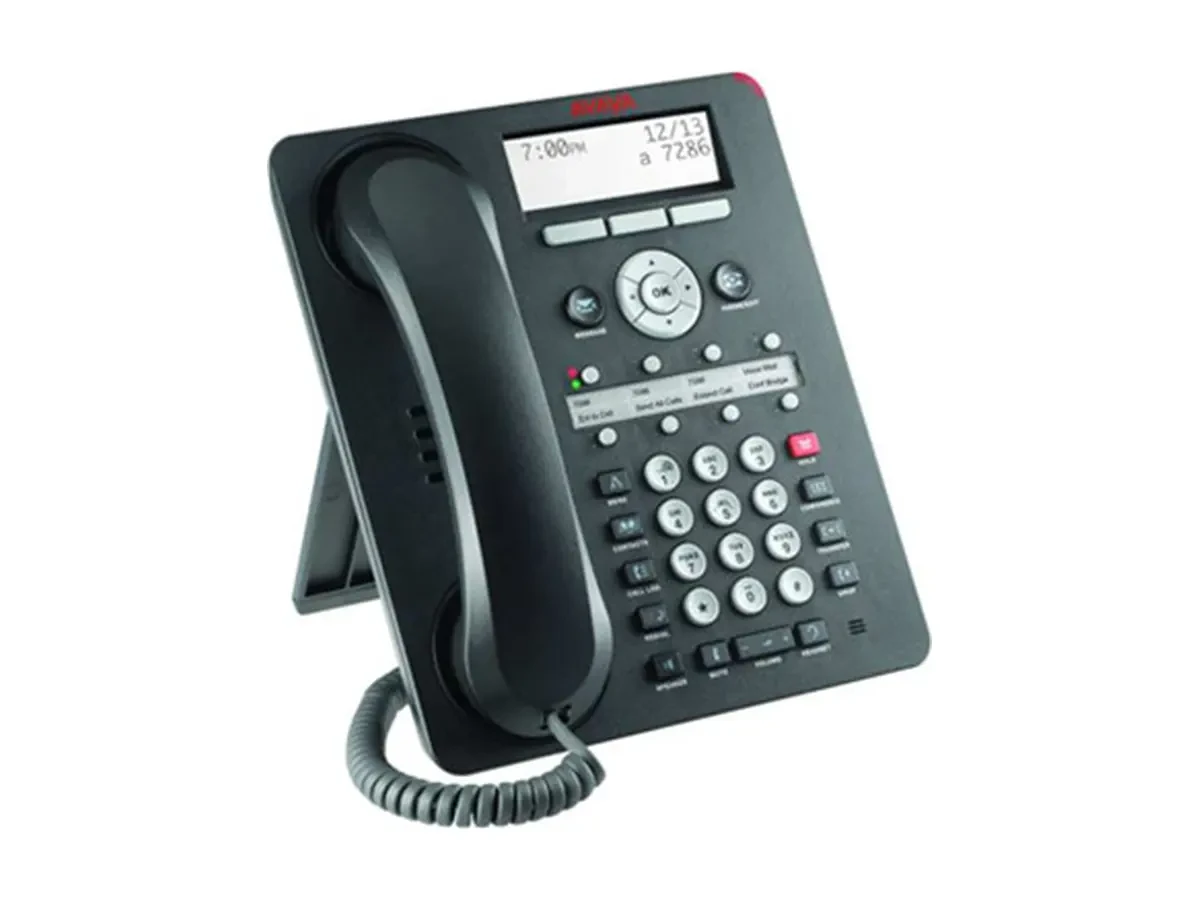 Discontinued · Replaceable
Digital Phone
8 Function Key · 3 Rows × 24 Characters Backlight
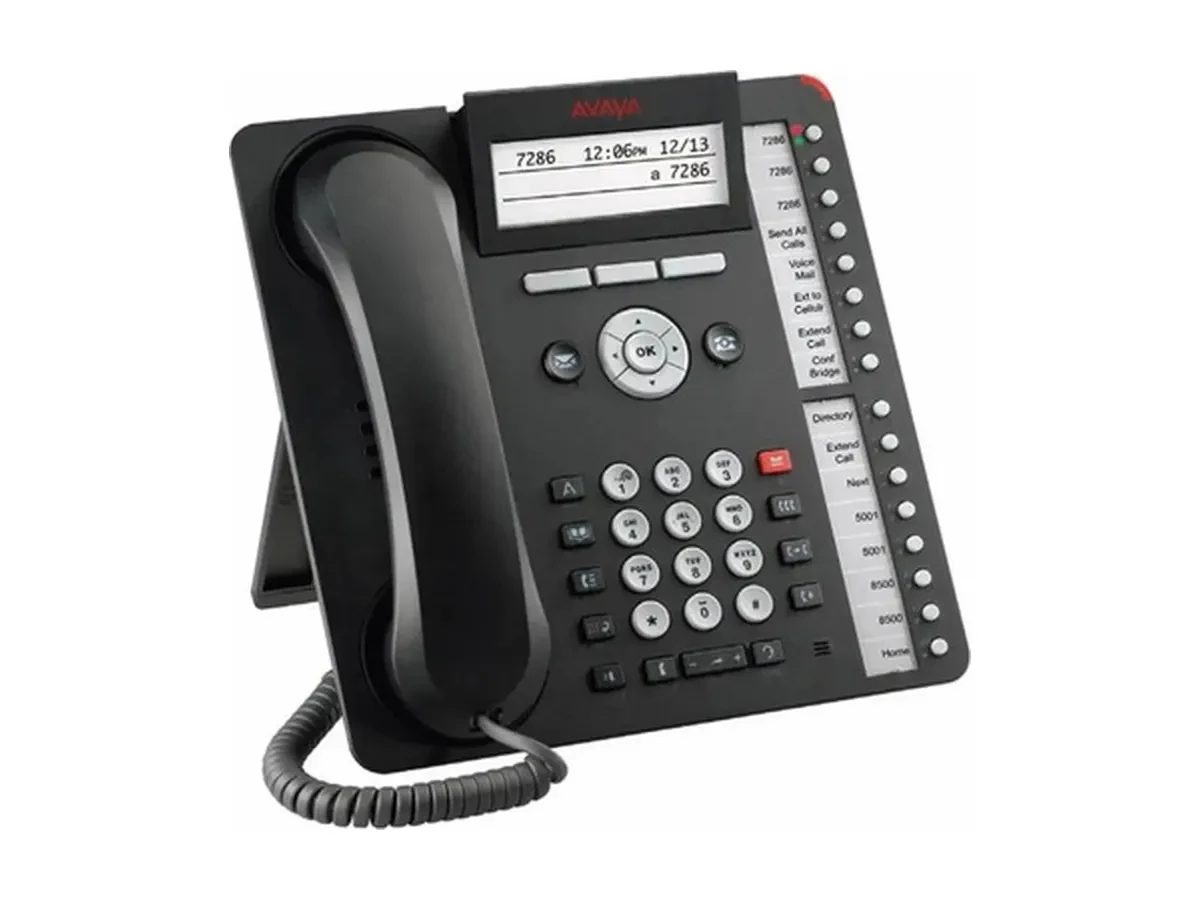 Discontinued · Replaceable
Digital Phone
16 Function Keys · Graphical Backlit Display · Expandable Modules
Digital handsets require digital extension ports; verify the spare line cards and cabling on your side.
Terminal models depend on wiring conditions, room size, and movement range; platform selection depends on scale, compliance requirements, and whether to retain existing equipment. The following four scenarios serve as starting points.
Aura's CM, SM, and SMGR handle call control and SIP routing. S8300E and G430/G450 serve as branch gateways, enabling internal calls even when the WAN connection is down.
IP Office 500 v2 or Server Edition provides call control, integrated with MM Recording, Professional Voicemail, and conference bridging to support front desk, workstations, and meeting rooms in a single system.
J179 or 9408: Multi-key and expansion module allow the receptionist to monitor all department numbers from one station. Dual-color LED indicators display key status directly—no memorization required.
The 1400 and 9600 series have been discontinued. You can replace them by floor in batches with the J139, J159, or J179 models. Existing numbers and dialing habits are preserved, while external expansion modules handle the additional ports.
Fill in desk, conference room, and cabling details. Based on the Avaya applications, hardware, and endpoints listed on this page, receive combination recommendations and quantities that can be directly used in the quotation form.
Avaya Application, Hardware, and Endpoint Selection Tool
Enter the actual number of extensions, including front desk and shared workstations.
Includes training room and video conference room
Configure the conference room system and camera
Existing wiring
Deployment Preferences
Recommended Bundles
Pending (IP Office / Aura) + 120 workstations + 4 conference rooms
Based on 120 workstations and 4 meeting rooms (including 2 video-enabled), selecting IP Office / Aura for the platform results in approximately 128 total terminals and conference devices.
Services
Platform Solution Evaluation
Choose IP Office or Aura based on scale, compliance, and existing equipment
Installation, Configuration, and Number Planning
Extension planning, phone provisioning, and platform integration
Platform
MM Recording Management Software
Concurrent recording channel license
Terminal
Avaya J179 IP Phone
Desk with Ethernet Access
Avaya 9408 Digital Phone
Retain existing digital ports, accounting for approximately 30% of workstations.
External Expansion Module (16 / 30 channels)
Digital port expansion
Meetings & Video
Avaya B199 Conference Phone
Touchscreen models: pair with expansion microphones based on room size.
Avaya Vantage K175
Video conference room with a 8-inch display; supports external large screens.
Provide details on the number of workstations and meeting rooms, existing cabling (digital ports/cables), relay type, and extension scale. We will deliver a combined list of applications, hardware, and terminals along with the replacement sequence.
Submit your requirements and contact details. A sales consultant will confirm pricing, stock availability, and delivery options with you. Product prices are subject to quotation.